

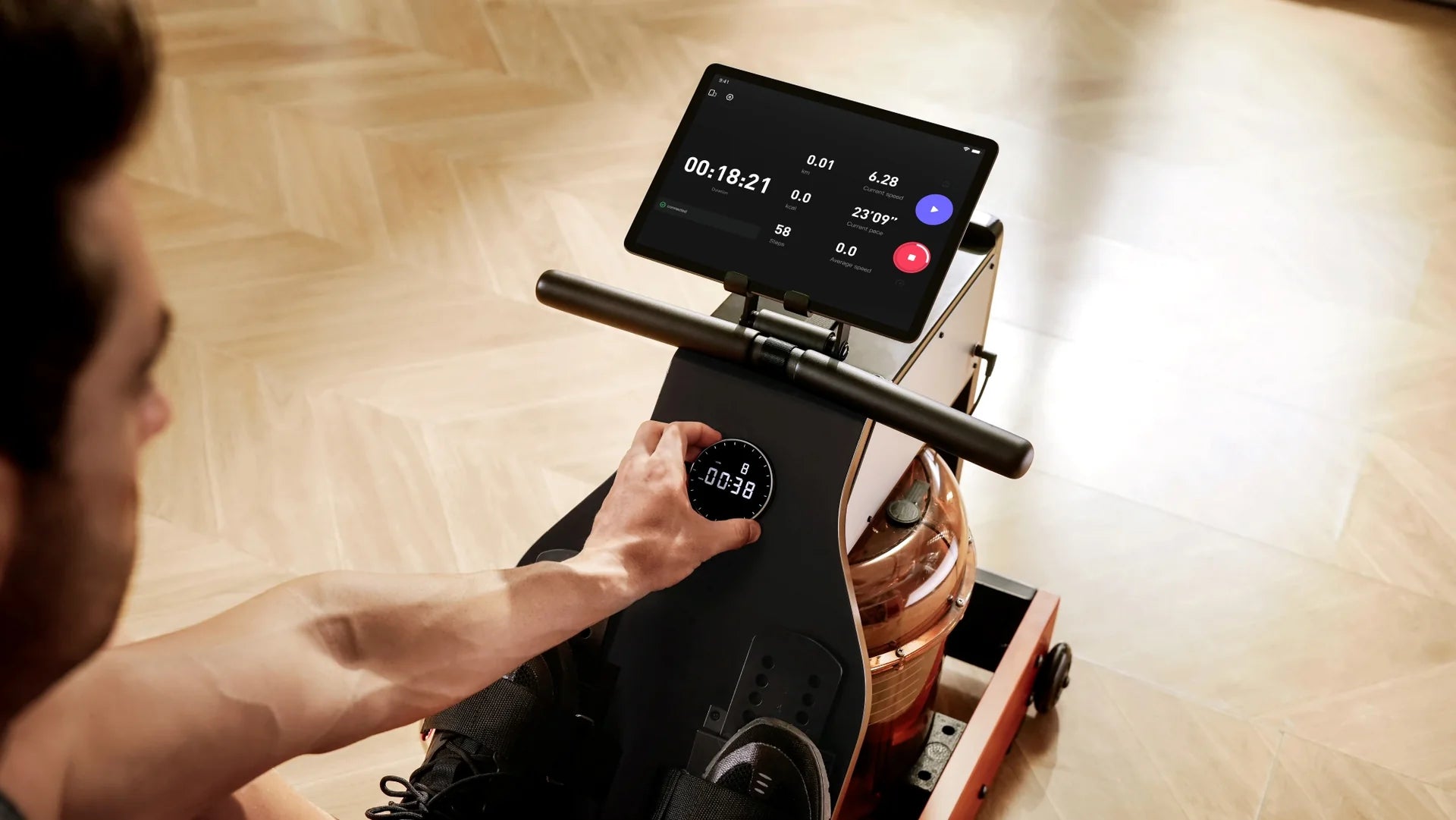
The KS Fit App Guide
KS Fit is a smart companion for connected fitness training.
It helps you train smarter and stay consistent.


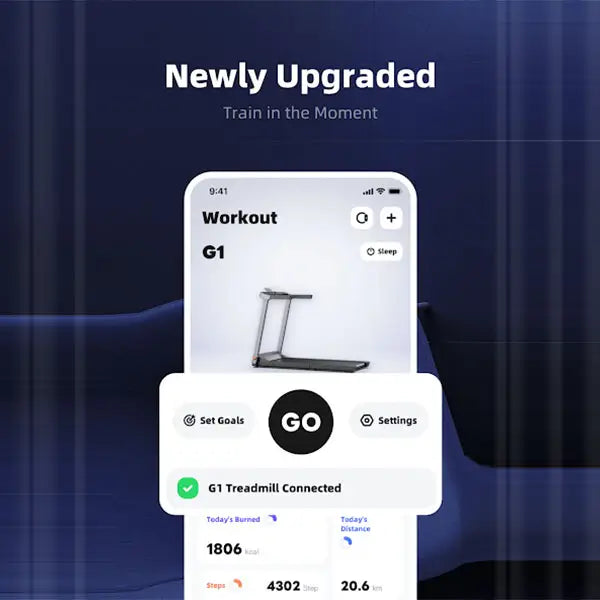
Connect Your Device: Effortless Pairing
Once logged in, tap "Add Device" on the homepage, and the app will automatically scan for nearby compatible WalkingPads or treadmills. Tap "Connect" on the device list to pair instantly. Once successful, you will be automatically redirected to the homepage.
Three Workout Modes Tailored to Your Pace

Free Workout
Tap [GO] on the homepage to start instantly. Speed and duration are entirely under your control—perfect for a flexible, spontaneous session.

Target Workout
Set precise targets based on time, calories burned, steps, or distance under the "Target" menu. The app will automatically end the session once your goal is reached, keeping your training precise and effective.

Course & Programme Training
The "Course" tab at the bottom offers a rich library of free training resources, categorized into Courses, Programmes, and Movements.
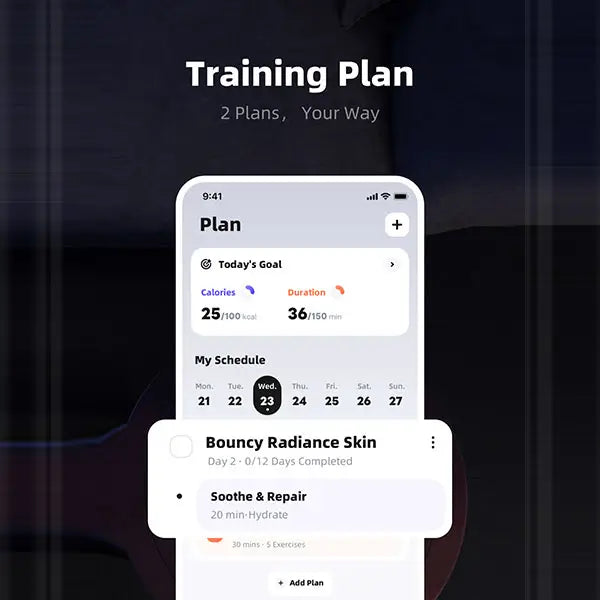
Smart Planning: Structure Your Training Cycles Scientifically
Tap "Add Plan" in the top right corner to choose your training style. All plans are neatly displayed in a calendar format, making daily goals and training schedules crystal clear at a glance. You can easily switch between dates to review past performance or schedule future workouts to stay completely in control of your fitness rhythm.